How to Graduate Material Inventory from Excel【For Small Shops · With a Comparison】
"Do we still have that material?" — do you walk to the warehouse to check every time an order comes in? Managing inventory in Excel or a paper ledger is prone to missed updates and double-counting, and always carries the risk of discovering a shortage after the order is confirmed. This article covers the steps to centralize material inventory in the cloud.
Why Excel hits its limits
- Simultaneous edits by several people cause file conflicts.
- No in/out history, so you can't tell why stock dropped.
- Stocktaking by shape/material/size takes time.
- No link to the order system, so you can't "allocate."
Excel vs. cloud management
| Item | Excel · paper | Cloud (centralized) |
|---|---|---|
| Simultaneous edits | Conflicts, overwrites | Safely shared by several people |
| History | Hard to keep | Auto-logs in/out/adjust |
| Order link | Manual | Automatic allocation |
| Stocktaking | Time-consuming | Fast by classification unit |
| Where to view | One PC | Phone, on the floor too |
Three steps to graduate
Step 1: Organize inventory by material × shape × size
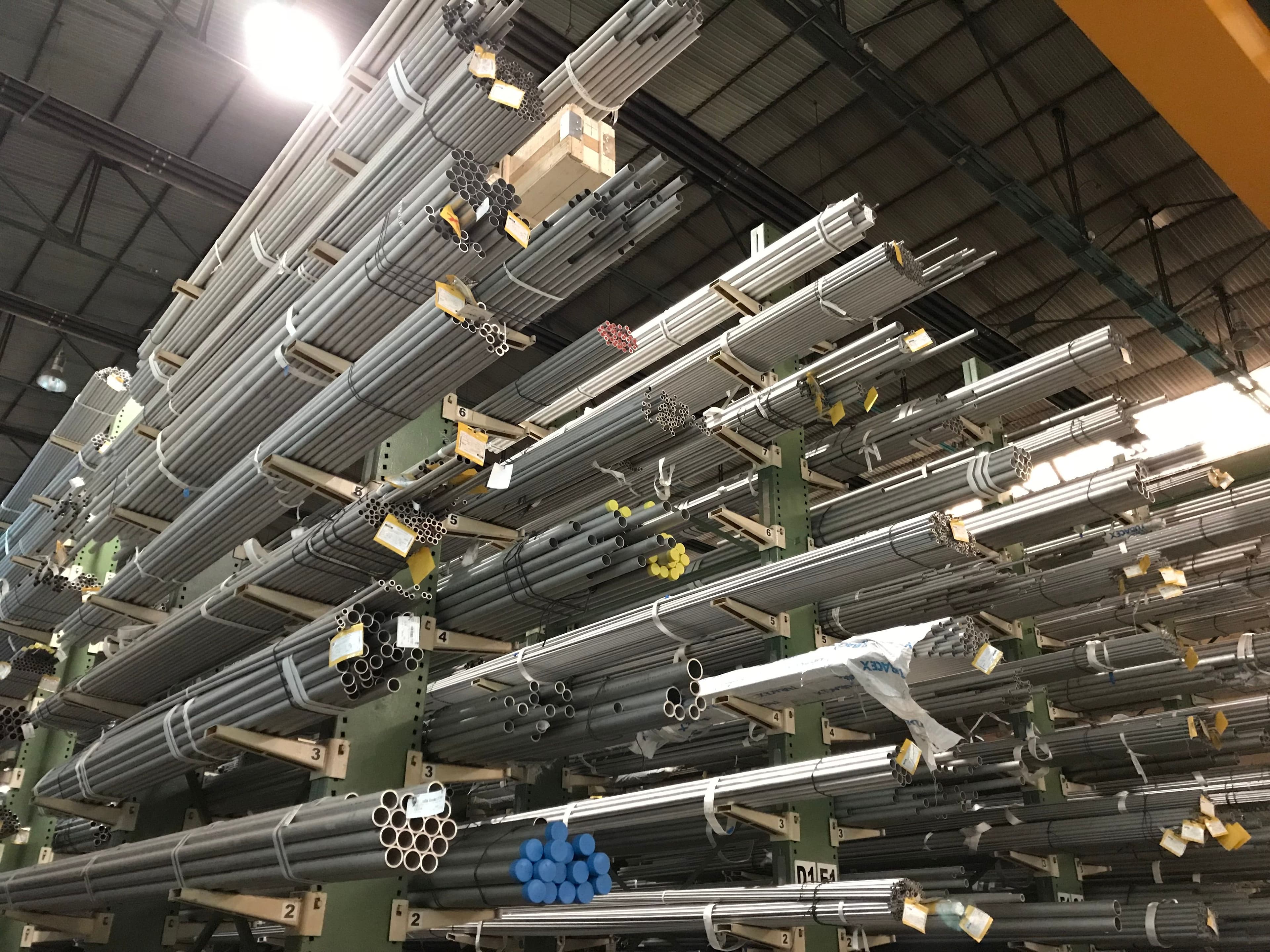
Classify inventory by "material (SUS304, brass...) × shape (round bar, hex bar, pipe) × cross-section size." Managing at this unit makes the automatic allocation below accurate.
Step 2: Always record in/out
Whenever the quantity changes, record "in/out/adjust" with a reason. With history, stocktaking discrepancies are easier to trace.
Step 3: Link orders and inventory
If, at order confirmation, the needed material is automatically allocated by nearest delivery date, you prevent "out of material" in advance. Ideally, the shortage is auto-calculated down to how many bars to order.
The real value of cloud inventory isn't "how many do we have now" but seeing at a glance "can we safely take this order?"
Tips for easier stocktaking
- Fix the classification unit: keep material × shape × size consistent.
- Record on the spot: log in/out immediately, don't defer (don't rely on memory).
- Assign shelf numbers: tie physical location to the record and cut search time.
- Periodic stocktake + trace discrepancies: with history you can trace "why it dropped."
Frequently asked questions (FAQ)
Q. Is migrating from Excel hard? A. Don't aim for perfect at once; go step by step — classify → history → order link — and the burden is small.
Q. What is "allocation"? A. Reserving inventory for an order. Allocating by nearest delivery date makes you resilient to rush jobs.
Q. How do I manage offcuts/remnants? A. Register usable remnants as inventory too and allocate them first to cut material cost.
Q. Can I use it on a phone? A. In the cloud you can check and record inventory from a phone on the floor.
Summary
Graduating from Excel doesn't require perfection up front. Just proceed classify → history → order link and how you see inventory changes dramatically, preventing "out of material after the order is confirmed."
Sontis Management builds in material × shape × size inventory and automatic allocation at order time. Try it now on the free plan.
Manage quotes & inventory — free, starting today.
No credit card · 5 minutes to start. Management software for machine shops.
Start for free